

After she moved abroad, Jennifer Echenim, CTO and Co-founder of Bloccpay, endured months of going through hoops to receive her salary. She would route it through a friend’s US bank account, convert it to stablecoins, and exchange with a P2P agent before finally getting cash in her local currency.
In 2022, she sat down with Ajoke Asunmonu, CEO and Co-founder of Bloccpay, and they started thinking about a way to solve this problem. That solution became the foundation for Bloccpay.
Bloccpay is a global payroll and invoicing platform for businesses with international teams and the people they pay. Businesses use it to pay staff and contractors in other countries, in stablecoins or local currency, from one dashboard. Freelancers, remote workers and creators use it to invoice clients anywhere and get paid in US dollars, including into a US bank account in their own name.
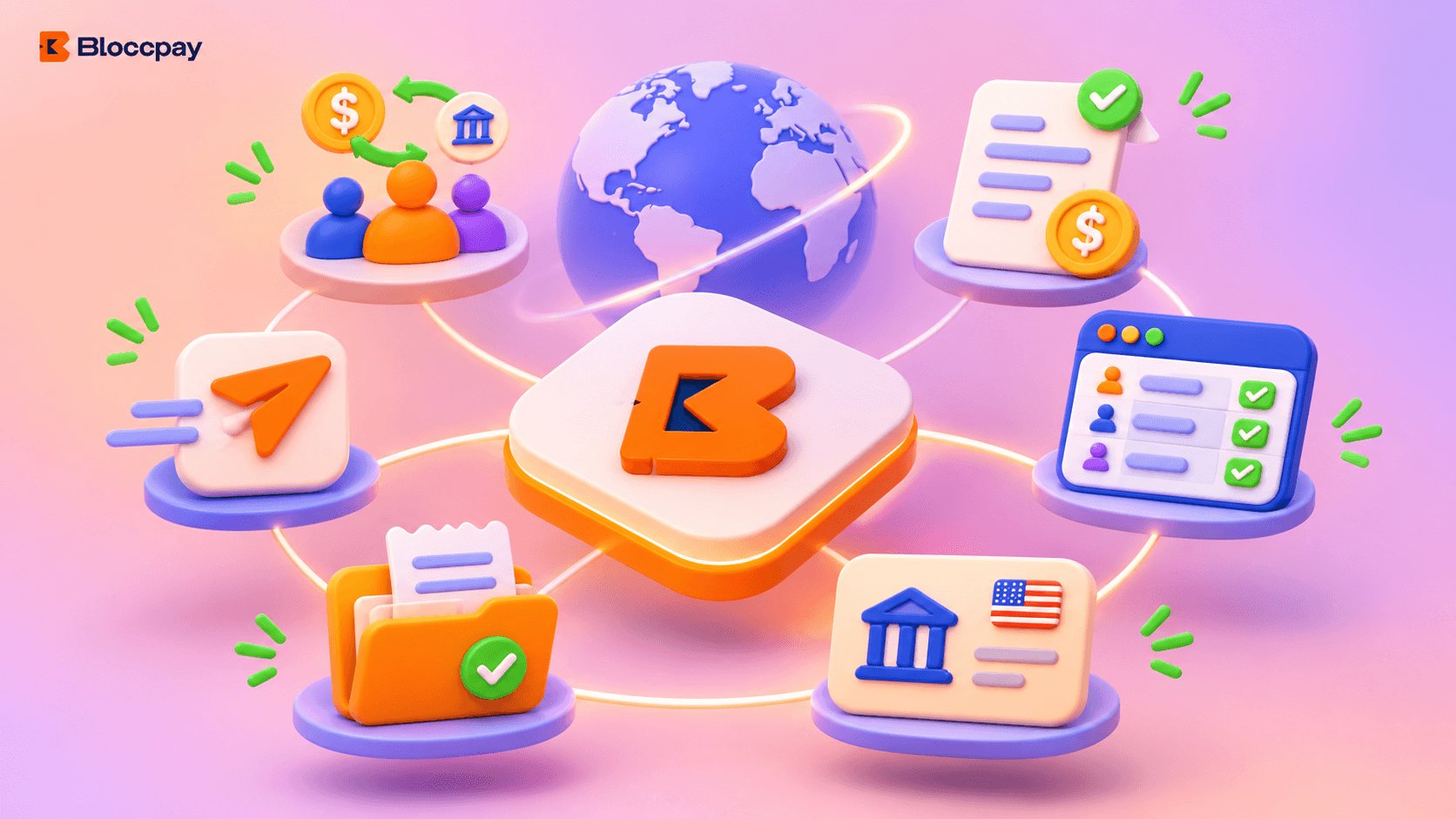
Here are the five things you can do on Bloccpay today:
- Pay your international team in stablecoins or local currency
- Send invoices and get paid by clients anywhere
- Run payroll for your global team from one dashboard
- Receive USD in a US bank account in your name
- Keep all your payment records in one place
- Send money to anyone with Quick Send
Bloccpay at a glance
What Bloccpay is: Bloccpay enables founders, HR leads, and payroll managers to pay global teams, and supports freelancers, remote workers, and creators who want to send invoices and receive global payment from clients.
Who it's for: Businesses and individuals paying international teams / employees, and the freelancers, contractors, remote workers and creators they pay
Networks supported: Ethereum, BNB Chain, Polygon, Base, Arbitrum, Optimism, Solana and Tron
Local currency withdrawals: Nigerian naira (NGN), Ugandan shilling (UGX), Kenyan shilling (KES), Zambian Kwacha (ZMW), and Tanzanian shilling (TZS). Ghanaian cedi (GHS) is coming soon.
US bank accounts: In the user's own name. Clients pay by ACH, wire or FedNow. Provided by Lead Bank.
1 – Pay your international team in stablecoins or local currency
With Bloccpay, a business can pay its team in other countries in stablecoins, and each person decides how they want to receive their pay. Stablecoins such as USDC and USDT are digital dollars that hold their value at USD 1, so a salary of USD 1,500 is still USD 1,500 when it lands.
Your team has two ways to receive their pay:
- In USDC or USDT, anywhere in the world. They receive it in their own wallet, on the network they prefer, from Ethereum and Base to Solana and Tron.
- In their local currency. Talent in Nigeria, Kenya, Uganda and Tanzania can withdraw to a local bank account in NGN, KES, UGX, ZMW, or TZS. More local currencies are coming soon (AED, GHC, etc.)
Bloccpay is built to make it simple for businesses to pay their team across networks. This means you can fund your payroll on one network and Bloccpay swaps it automatically to enable payment to several networks on the same payroll run.
What it looks like in practice: a software company in São Paulo has a designer in Nairobi, a developer in Lagos and a writer in Lisbon. It funds payroll once in USDC. The designer withdraws to her bank in Kenyan shillings, the developer keeps his pay in USDC on Base, and the writer receives USDT on Tron. One payroll run covers all three.
2 – Send invoices and get paid by clients anywhere
Freelancers and contractors can send a professional invoice from Bloccpay to a client in any country, and the client doesn't need a Bloccpay account to pay it.
Your client can pay in one of three ways:
- In stablecoins, straight from the invoice, if they already hold USDC or USDT.
- In US dollars by bank transfer, into a US bank account in your name, using ACH, wire or FedNow
- In local currency by bank transfer for available local currencies (NGN, KSH, UGX, ZMW, TZS).
You can attach supporting PDFs to an invoice, such as a signed contract or proof of the work delivered. That gives your client's finance team what they need to approve the payment the first time. You can also automatically include discounts in your invoice or choose who pays the fees on the invoice.
What it looks like in practice: a brand designer in Lagos finishes a logo project for a startup in Texas. She sends a USD invoice from Bloccpay with the signed brief or agreement attached. The startup's finance lead or CEO pays it by bank transfer like any other supplier bill, and doesn't have to sign up on Bloccpay.
3 – Run payroll for your global team from one dashboard
Bloccpay puts everyone you pay, in every country, into one payroll dashboard. You add your team, set up payroll once, and pay everyone in a single run.
For founders doing payroll alone. If you're a founder with a developer in Kampala, a marketer in Nairobi and a support lead in Manila, payday can mean a different app, bank and time zone for each person. On Bloccpay, they're all on one list. You check the amounts, fund once and pay everyone together, without staying up to catch someone's banking hours.
For HR managers and payroll specialists. If you run payday for staff in several countries, you get one place to manage the people, the payments and the records. When the team grows, you don't have to rebuild your process.
What you can do from the dashboard:
- Add your team individually or in bulk. Add one new hire at a time, or upload your whole team at once via CSV.
- Run approved payroll from payroll history. If a payroll was approved but not paid yet, for example while funds were on the way, you can run it straight from history without setting it up again.
- Pay across networks in one run. Fund on one network and pay each person on the network they use.
4 – Receive USD in a US bank account in your name
Bloccpay gives freelancers, remote workers and entrepreneurs a US bank account in their own name, so clients and employers who prefer to pay in US dollars can pay them by ordinary bank transfer. You don't need to live in the US, and you don't need to borrow anyone's account.
The account details are provided by Lead Bank through Stripe. Bloccpay is not a bank.
How your clients pay you
- ACH: 1 to 3 business days typically
- Wire: usually within minutes
- FedNow: usually within minutes.
What happens when the money is sent: it arrives in your Bloccpay wallet. You can keep it in US dollars for as long as you like, withdraw it as crypto, or withdraw it to your local bank in NGN, KES, UGX, ZMW, or TZS.
It works with platforms too. If you're paid through a platform that supports ACH payouts, such as Upwork, Fiverr or Deel, you can add your US account details there and withdraw to it.
How to open one: in the Bloccpay app, go to the Overview page and open the "US Accounts in your name" tab. Verify your identity with a tax ID, ID number, driver's licence or passport. Your account is created within minutes once your checks are complete. There's a one-time USD 2 fee to create the account.
Read more 👉🏼 Introducing US bank accounts on Bloccpay.
5 – Keep all your payment records in one place
Every payroll run, invoice and payment on Bloccpay is recorded, and both businesses and talent can download their own records whenever they need them.
For businesses: download payroll registers, invoice receipts and your full transaction history. Your accountant gets a clean record for the month-end close, and your finance team has what it needs for an audit or investor review, without you rebuilding it from bank statements and chat messages.
For talents: download your payslips and payment receipts yourself, without asking the company that pays you. That matters when you need to show proof of income, for example:
- Applying for a visa
- Renting an apartment
- Applying for a loan or a new bank account
Each landlord, bank or embassy sets its own rules for what it accepts, but a dated record of every payment in your name gives you something solid to show.
6 – Send money to anyone with Quick Send
Quick Send lets businesses and talent send money from their Bloccpay wallet to anyone via crypto or in fiat (USD, or local currencies including NGN, KES, UGX, ZMW, and TZS).
For businesses: pay someone on your team or for their services without waiting for your payroll run. Quick Send comes in handy when you need to pay someone outside your payroll schedule or if you don’t want to add them to your payroll. For example:
- sending an employee a gift for their birthday
- reimbursing a team member for an expense they paid for
- paying someone who isn't on your payroll
For talent: send money to friends and family. Add them as a beneficiary once, and you can send to them again whenever you need to.
How it works
- From the menu, select Quick Send
- Select a saved beneficiary or add a new one by selecting “New bank account” or “New wallet” and provide the details
- Enter the amount and send.
With Quick Send you can send money to beneficiaries in their crypto wallet or via their preferred currency (NGN, KES, UGX, ZMW, TZS).
How to get started on Bloccpay?
Sign up at app.bloccpay.com, verify your details, and you're ready to pay or get paid.
If you're a business
- Create your account and complete business verification (KYB).
- Add your team, one by one or in bulk.
- Fund your payroll and run your first payroll.
If you're a freelancer, contractor or remote worker
- Create your account and verify your identity (KYC).
- Send your first invoice, or open a US bank account in your name.
- Get paid, then hold your funds in your wallet or withdraw in crypto or to your local bank.
How does Bloccpay keep your account safe?
Every business and every person on Bloccpay goes through identity checks before they can send or receive money. Businesses complete KYB, and individuals complete KYC. These checks protect you, the people you pay and the people who pay you.
US bank accounts on Bloccpay are provided by Lead Bank through Stripe. Bloccpay is not a bank.
We will never ask for your password, recovery phrase or one-time codes by email, phone, DM or social media. If someone does, it isn't us. Report it to hello@bloccpay.com.
Frequently asked questions about Bloccpay
What is Bloccpay?
Bloccpay is a global payroll and invoicing platform powered by stablecoins. Businesses use it to pay international teams in USDC, USDT or local currency. Freelancers and remote workers use it to invoice clients and receive US dollars, including into a US bank account in their own name.
Who is Bloccpay for?
Bloccpay is for two groups. The first is businesses with staff or contractors in other countries, from solo founders to HR and payroll teams. The second is the people they pay: freelancers, contractors, remote workers, creators and online entrepreneurs.
Is Bloccpay a bank?
No. Bloccpay is a payroll and invoicing platform. US bank accounts on Bloccpay are provided by Lead Bank through Stripe.
Is Bloccpay legit?
Yes. Bloccpay was founded in 2022 by Ajoke Asunmonu and Jennifer Echenim, and took part in the 2025 Techstars programme. Every business and individual on Bloccpay goes through identity verification before they can move money.
Do my clients need a Bloccpay account to pay me?
No. Clients can pay your invoice in stablecoins, or send US dollars to your US bank account by ACH, wire or FedNow, without signing up for Bloccpay.
Which currencies does Bloccpay support?
Businesses can pay their teams from anywhere. Talent anywhere in the world can receive USDC or USDT. Local bank withdrawals are available in Nigeria (NGN), Kenya (KES), Uganda (UGX) and Tanzania (TZS), with Ghana (GHS) coming soon.
Which stablecoins and networks does Bloccpay support?
Bloccpay supports USDC and USDT, and payments run on Ethereum, BNB Chain, Polygon, Base, Arbitrum, Solana and Tron.
Do I need to understand crypto to use Bloccpay?
No. You can get paid in US dollars into a US bank account in your name and withdraw to your local bank in your own currency, without managing a crypto wallet.
Can I use Bloccpay to receive payouts from Upwork, Fiverr or Deel?
Yes. If the platform supports ACH payouts, add your Bloccpay US bank account details as your payout account.
Get started free and run your first payroll or send your first invoice today.